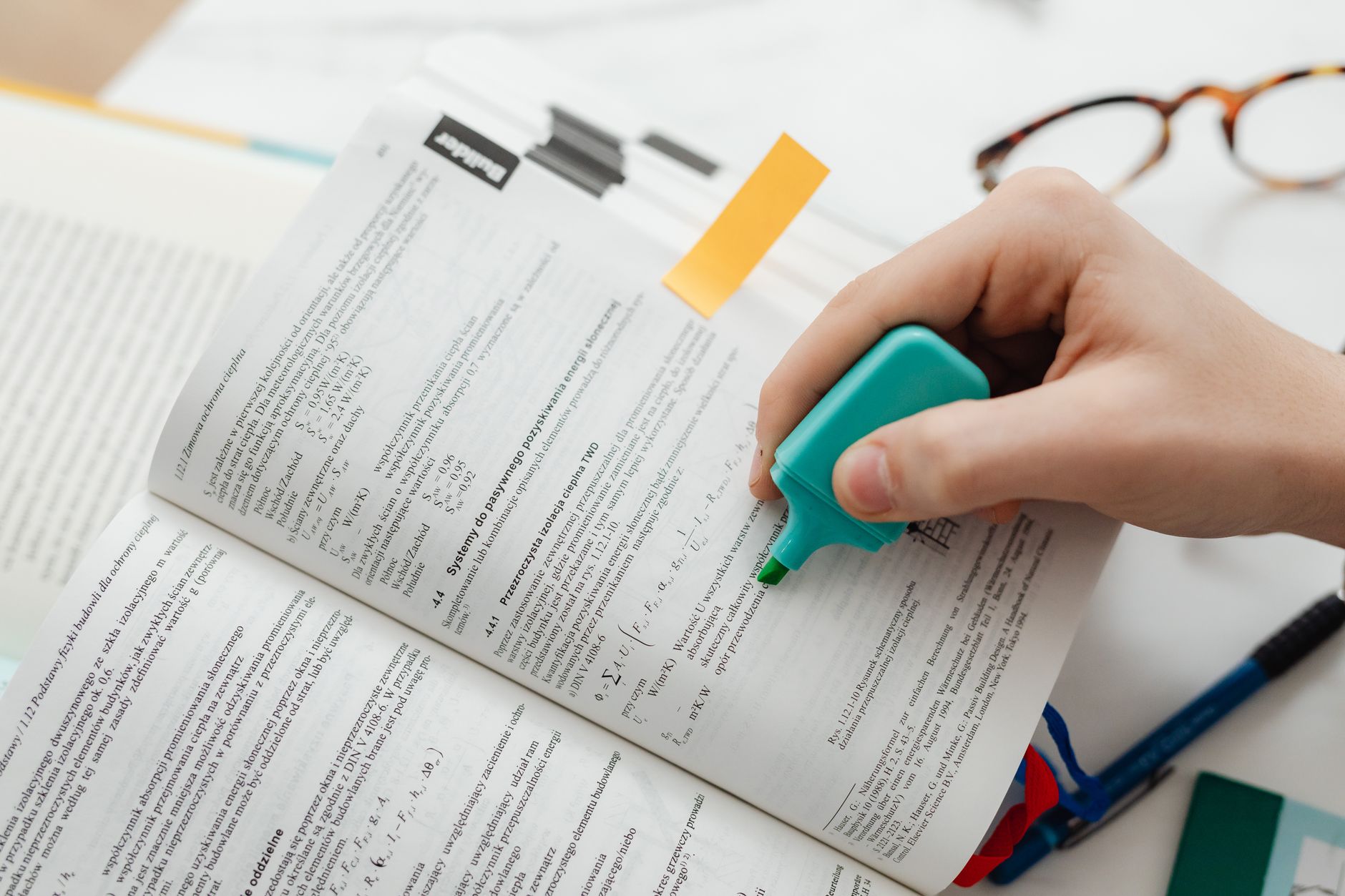
Punctuation errors are stubborn. Spell-check won't flag a misplaced comma, a missing apostrophe, or a hyphen used where an en dash belongs. Spell-check misses your worst mistakes precisely because those mistakes are often correctly spelled words in the wrong role, or correctly spelled punctuation marks in the wrong place. The only reliable fix is a targeted pass through your document with punctuation as the sole focus.
What follows is a practical method for doing exactly that. Work through it after your general proofreading pass, not instead of it.
Why punctuation deserves its own pass
When you read a document for content, your brain fills in the rhythm the writer intended. A comma dropped from a list barely slows you down. A rogue apostrophe in a plural noun barely registers. You understand the sentence and move on.
Your reader does the same thing. Until they don't. Punctuation errors that accumulate across a document eventually create a low-level friction that readers can't name but can feel. By the time one error is bad enough to stop them, you've already lost credibility. The only way to prevent that is to look at punctuation directly, not through the content surrounding it.
A dedicated punctuation pass takes about half the time you'd expect. Most errors cluster in predictable places: lists, compound modifiers, possessives, dialogue or quoted material, and sentences that connect two independent clauses. Know where to look and the pass moves quickly.
The five places punctuation errors hide
1. Lists and serial commas
Lists are where comma errors concentrate. The main question is whether your document uses the serial comma (the comma before the final "and" or "or" in a list of three or more items) and whether it applies that choice consistently. A document that uses the serial comma in paragraph two and drops it in paragraph seven looks careless. Pick a standard and enforce it throughout.
Also check that colons introducing lists are used correctly. A colon belongs after a complete sentence. "The report covers:" followed by a list is wrong; "The report covers three topics:" is right because "covers three topics" completes the clause. This error appears constantly in business documents.
2. Apostrophes in possessives and plurals
Three errors account for most apostrophe failures in business writing. The first is using an apostrophe to form a simple plural (the classic "the 1990's" or "three CEO's"). The second is dropping the apostrophe from a possessive ("the clients agreement" instead of "the client's agreement"). The third is confusing "its" and "it's," which trips up writers at every level.
When you check apostrophes, slow down on every word ending in "s" and ask which category it belongs to: plural, possessive, or contraction. Each has a different rule, and speed is the enemy here.
3. Hyphens and compound modifiers
Compound modifiers, two or more words that work together as a single adjective before a noun, need a hyphen. "A well-known problem" needs the hyphen. "The problem is well known" does not. The hyphen attaches when the modifier sits before the noun; it drops when the modifier follows the verb.
This is one of the most inconsistently applied rules in business writing, and it's worth a full scan. Search for common compounds in your document ("high level," "long term," "third party," "real time") and check each one against where it sits in the sentence.
4. Commas splicing two independent clauses
A comma splice joins two complete sentences with a comma and nothing else. "The report is ready, please send it to the board" is a comma splice. The fix is a period, a semicolon, or a coordinating conjunction (and, but, so, yet). Comma splices are common in documents written at speed, and they read as informal or rushed in professional contexts.
To find them, look for every comma in your document and ask whether the clause on each side could stand alone as a sentence. If both sides can, a comma alone isn't enough to join them.
5. Quotation marks and paired punctuation
Opening quotation marks without closing ones, brackets opened but not closed, and parentheses that never end: these are the punctuation errors that look most amateurish and are most often caused by editing. When you revise a sentence mid-draft and delete part of it, the paired character sometimes stays behind. A simple find for opening marks (", (, [) and a manual scan of their closers catches these quickly.
Also check the placement of punctuation relative to closing quotation marks. American English places commas and periods inside the closing mark. British English places them outside, unless the punctuation is part of the quoted material. Neither style is wrong, but mixing them in a single document is.
A practical method for the punctuation pass
Print the document or switch to a full-screen reading view. Zoom in slightly if you're working on screen. Then read the document backwards, sentence by sentence. This is the same technique used in a structured proofreading checklist: reverse reading breaks the narrative pull that lets errors slip past, forcing you to see each sentence as an isolated unit of words and marks.
As you read each sentence backwards, check only the punctuation. Don't evaluate the content. Ask four questions about each sentence:
- Does every opening mark have a closing mark?
- Does every possessive noun have an apostrophe in the right place?
- Are compound modifiers before nouns hyphenated?
- If two independent clauses are joined, is the join correct?
Mark every doubt and return to it. Don't decide in the moment whether something is correct; mark it and check the rule separately. This keeps momentum and prevents the "it looks right" reflex from overriding a genuine error.
Consistency is as important as correctness
Some punctuation decisions are stylistic rather than absolute. The serial comma is the clearest example, but hyphenation of specific compound terms, the format of bullet-point endings, and the spacing around ellipses are all areas where reasonable style guides differ. What matters most in a business document is consistency within the document itself.
Before you start the punctuation pass, identify any style decisions your organisation or document requires. If a house style guide exists, have it open. If it doesn't, make a note of the first instance of each stylistic choice you encounter and treat it as the standard for the rest of the document. Consistency signals control. Inconsistency signals a document that wasn't finished.
Tools that help, and tools that don't
Grammar checkers flag some punctuation errors reliably, particularly comma splices and missing apostrophes in common contractions. Free grammar checkers are worth running as a first pass, but don't rely on them for compound modifier hyphens, serial comma consistency, or the placement of punctuation inside or outside quotation marks. Those require judgment the tools don't have.
The find-and-replace function in any word processor is genuinely useful for punctuation. Use it to find double spaces after periods, inconsistent use of straight versus curly quotes, and any character you suspect you've used inconsistently. Run it before the manual pass, not after.
One pass isn't always enough. Complex documents with tables, footnotes, headings, and body text often need separate passes for each element, since punctuation conventions can differ across them. A heading that follows sentence-case rules doesn't end with a period. A footnote that contains a full sentence does. Keep those distinctions in mind as you move through the document, and don't let the rules from one section bleed into another.